
Record a check gift
A check came in the mail. Record it in under a minute: who gave, the amount and check number, what it is for, and what brought it in. The receipt and thank-you go out by themselves the next morning.

Record a check gift
Where to find it
- + New › Record a gift, at the top of every page
- Gifts › Record a Gift, in the menu on the left
- On a donor's profile: Record a gift at the top right (the donor is filled in for you)
- On a donor's profile: + Record a gift in their Gifts box
Step by step
-
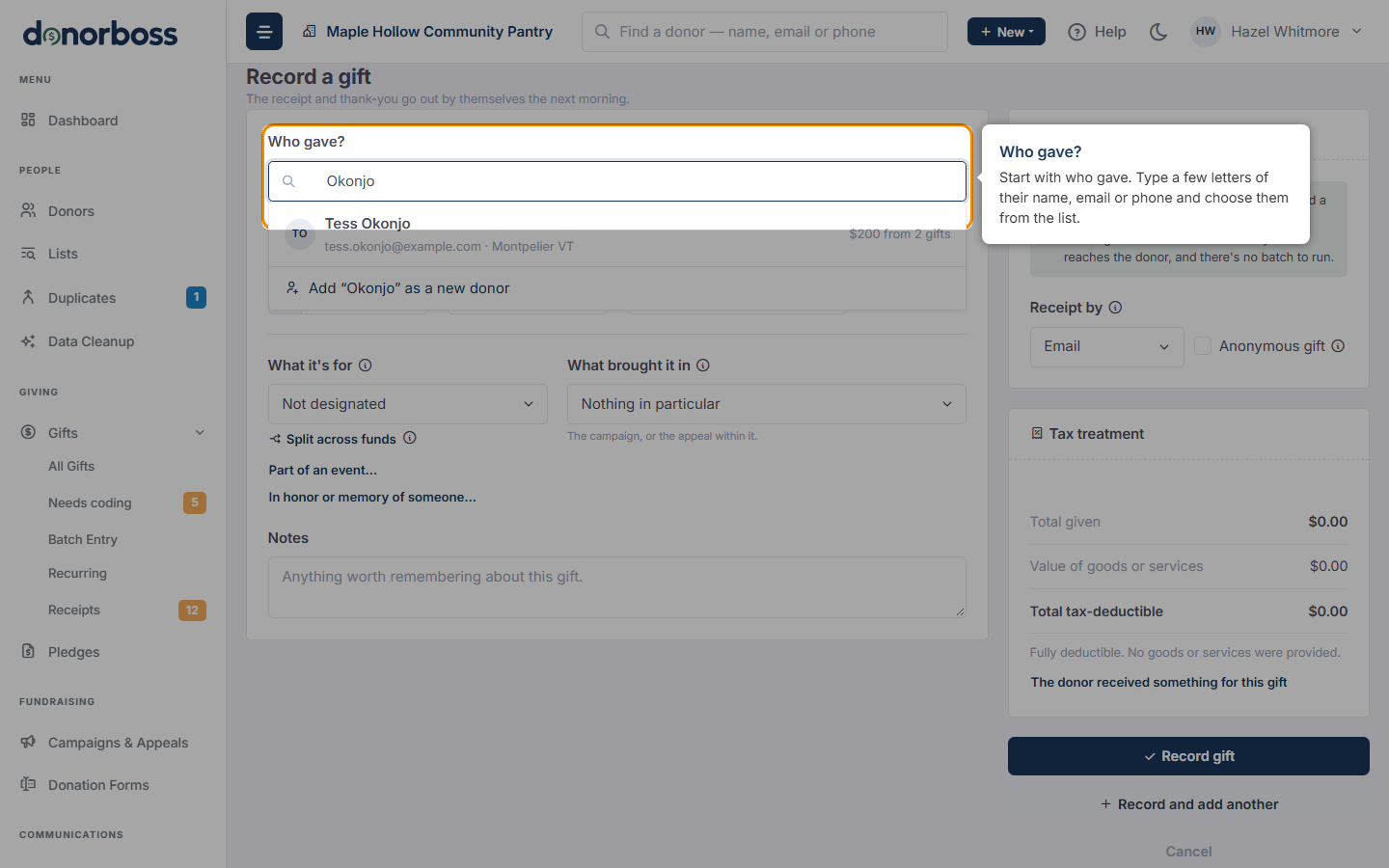
Who gave?
Type part of the donor's name, email or phone number and choose them from the list that appears. Their name shows with an x beside it. Click the x to choose someone else. If you came here from a donor's profile, they are already chosen.

See the whole screen Getting it right
Search before you add anyone new. A few letters of the last name usually finds them. Adding someone who is already here creates a duplicate and splits their giving across two records. Record the gift on whoever gave it, usually the name on the check. For a couple who are connected and give together, either one is fine: DonorBoss counts the gift for both of them. A grant from a donor-advised fund is recorded on the fund; the person who recommended it is named under Tax treatment.
-
Choose the donor
There's Tess Okonjo. Choose her from the list.
-
Amount
Type the whole amount the donor gave, such as 250 or 250.00. For a ticket or a dinner, type the full price they paid. What they received in return is taken off under Tax treatment, not here.
Getting it right
Always the full amount on the check or the card. Never subtract fees or the value of a dinner here. DonorBoss works out the deductible part for the receipt.
-
Date
The date of the gift. It starts as today; change it when you are recording a gift that came in earlier.
Getting it right
Use one rule every time for mailed gifts, such as the date it arrived or the date on the check, whichever your bookkeeper uses. Take extra care around New Year: the date decides which year's statement and reports the gift falls in.
-
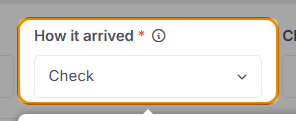
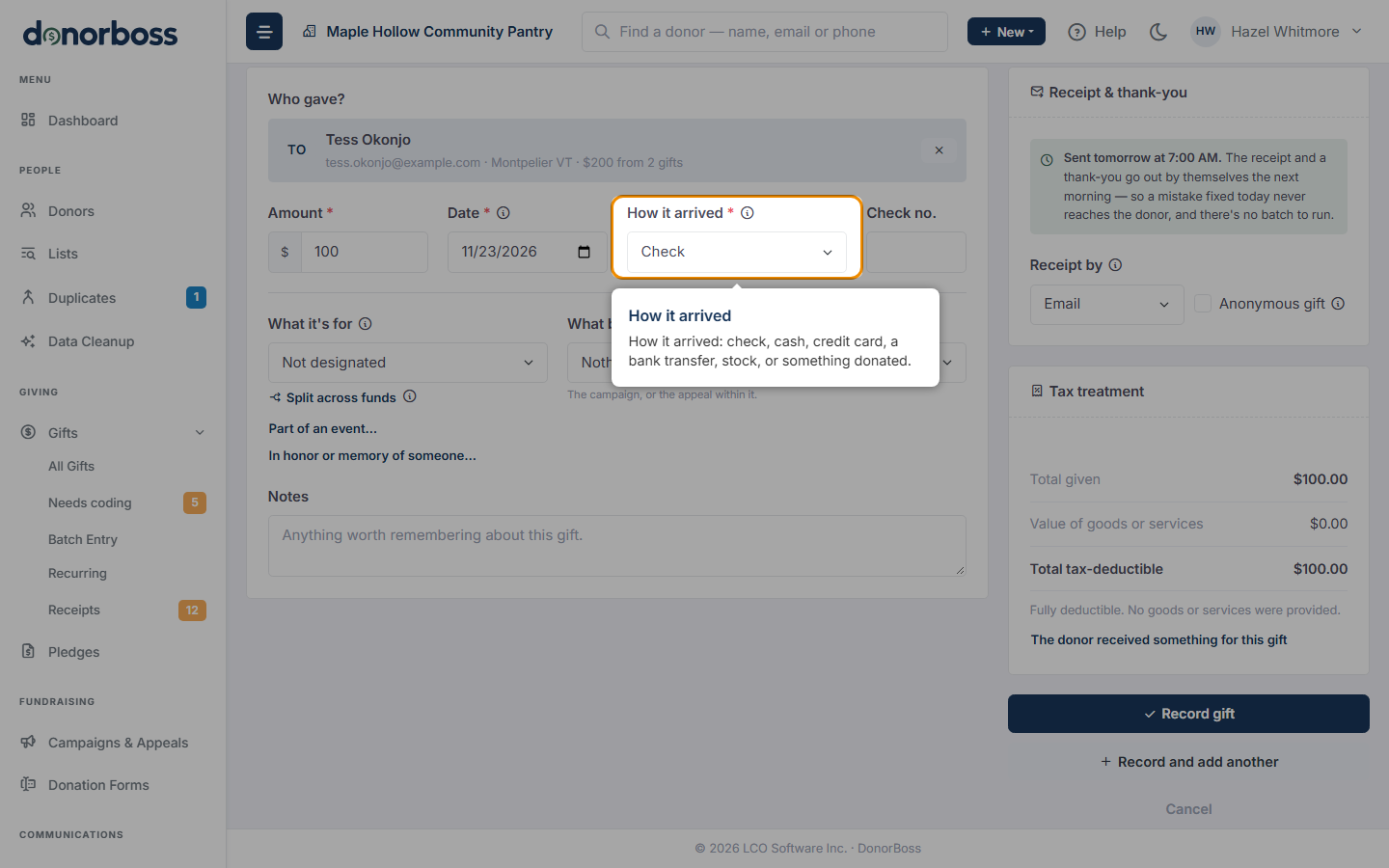
How it arrived
Choose how the gift came: Check, Cash, Credit Card, ACH / EFT, Wire Transfer, Stock / Securities, Cryptocurrency, Donor Advised Fund, IRA Charitable Rollover, Matching Gift, In-Kind (donated goods), Donated use of space or property, Donated services, Paid an expense for us, or Other. Some choices add a box: a check asks for its number, and donated goods ask what was donated.
See the whole screen Getting it right
This is only HOW the money came. Don't use it to say what the money is for (a ticket, a raffle, a pledge payment): those have their own boxes below. A gift of goods, services or the use of something is recorded here too, so its receipt describes it correctly instead of giving it a dollar value.
-
Check no.
Type the check number. It is how you find this gift again when the bank or the donor asks about it.
-
What it's for
Choose the fund the gift is for, such as General Operating or a scholarship fund. Leave it 'Not designated' if the donor did not say. One gift for two purposes? Click Split across funds.
Getting it right
A fund is what the money is FOR, which is often what the donor restricted it to. Never guess a restricted fund: if the donor didn't name a purpose, use your general fund or leave it not designated, as your organization does. What prompted the gift (a letter, the gala) is not a fund; that goes in 'What brought it in'.
-
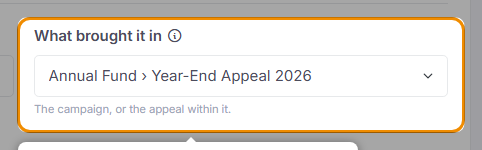
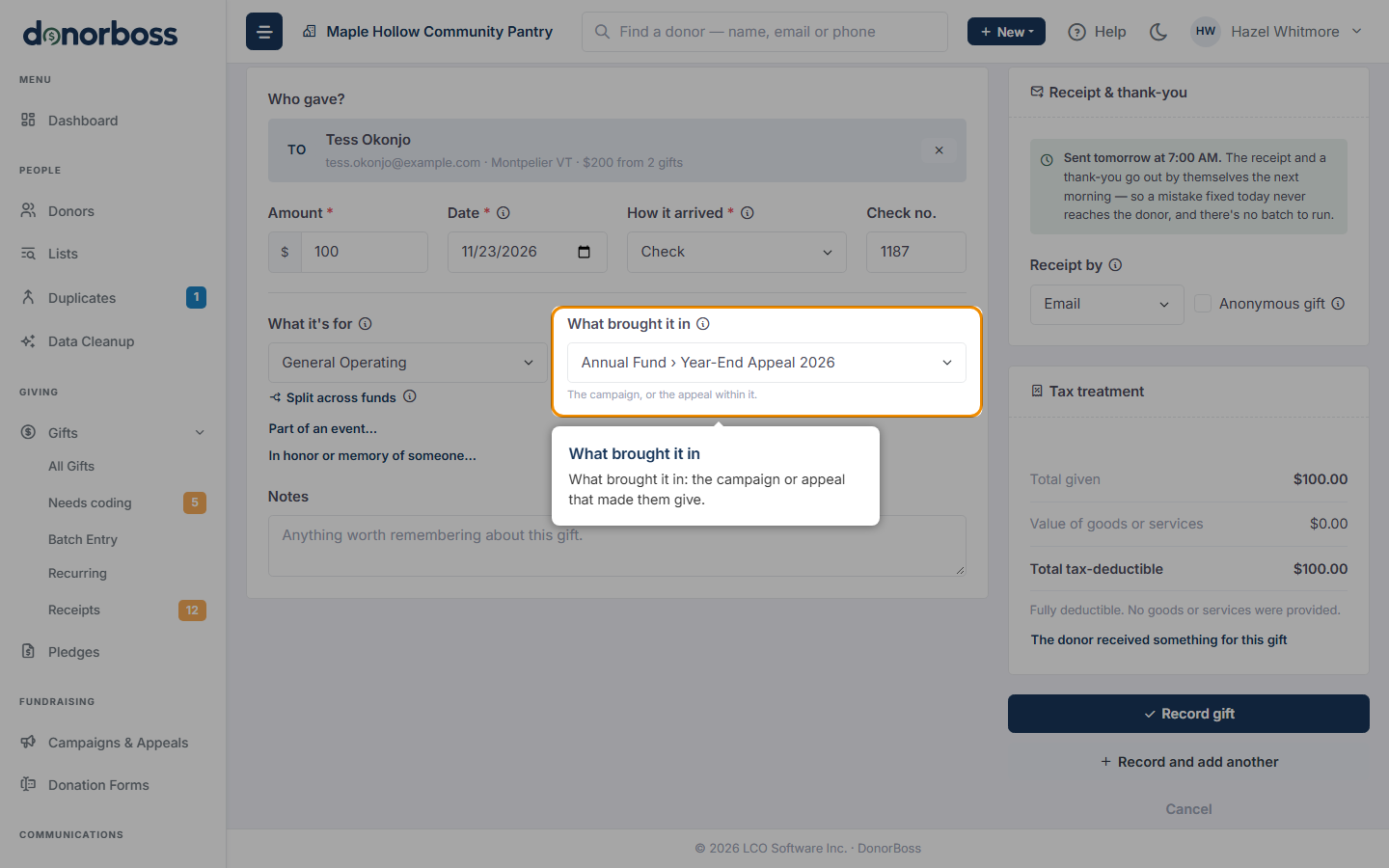
What brought it in
Choose the campaign, or better, the appeal within it, that prompted the gift: the year-end letter, the gala, the spring newsletter. Appeals are listed under their campaign. Choosing an appeal fills in its campaign.
See the whole screen Getting it right
This is how Campaigns & Appeals shows what each appeal raised, and how you'll know next year which letters worked. Pick the most specific one you know: the appeal, not just the campaign. If you truly don't know, leave it empty. The gift will show in Needs coding so someone can fill it in.
-
When the receipt and thank-you go
The receipt and a thank-you go out by themselves the next morning, at the hour your organization chose (Settings › Emails to donors). Waiting until morning means a mistake fixed today never reaches the donor. If emails to donors are paused for your organization, this box says nothing will be sent.
Getting it right
Made a mistake? Fix it today: the email is built from the gift as it is in the morning. A gift that must go right away has 'Send now' in the message after saving and on the gift's row.
-
Record gift
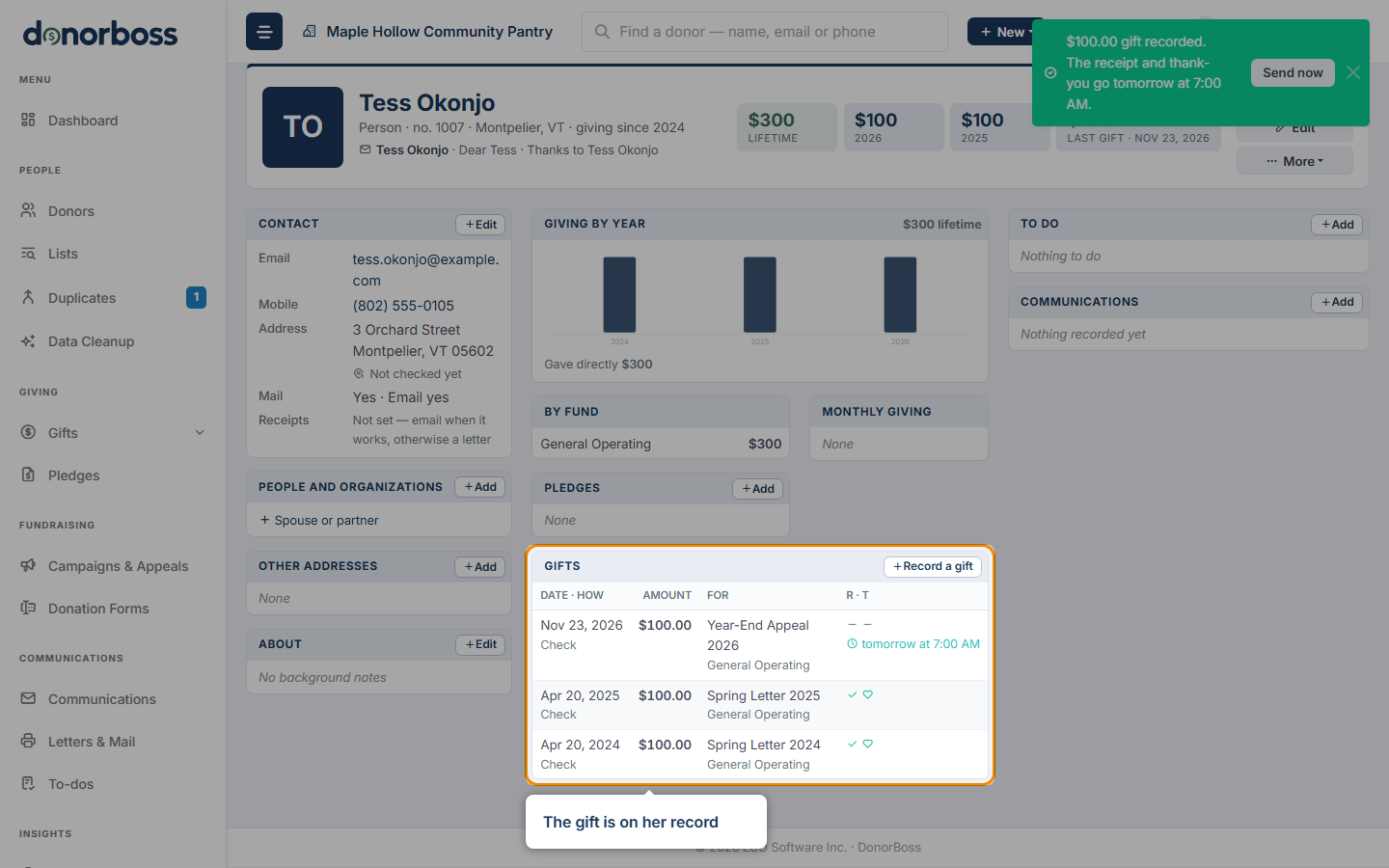
Record gift saves the gift and takes you to the donor's profile. 'Record and add another' saves and opens an empty form for the next gift. The message after saving says when the receipt and thank-you will go, with 'Send now' if one must go right away.
-
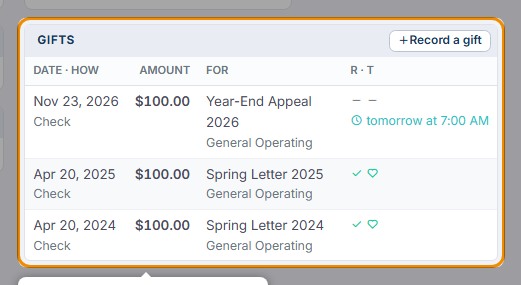
The gift is on her record
Done. The gift is on Tess's record, at the top of her gifts.
See the whole screen
Updated 23 November 2026